PHP Form Processing & Validation
Server-side form validation, input sanitization using regex, and AJAX-powered submission for the PahiranGo contact and e-commerce registration forms.
.php scripts. GitHub Pages only serves static HTML/CSS/JS files — it cannot interpret PHP. This exercise was successfully executed and verified on a Localhost XAMPP environment. The screenshots below document the step-by-step implementation logic and confirmed results.
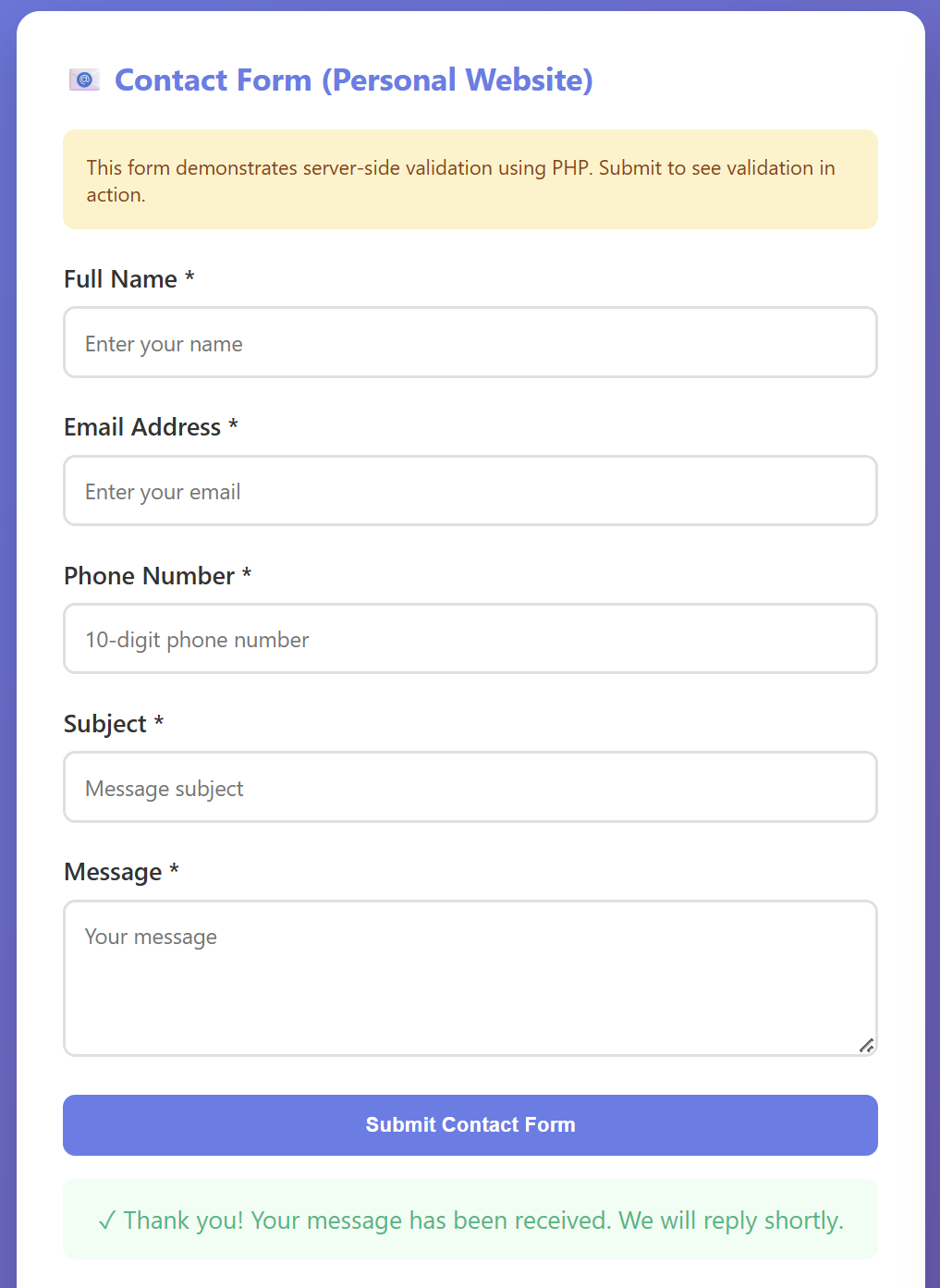
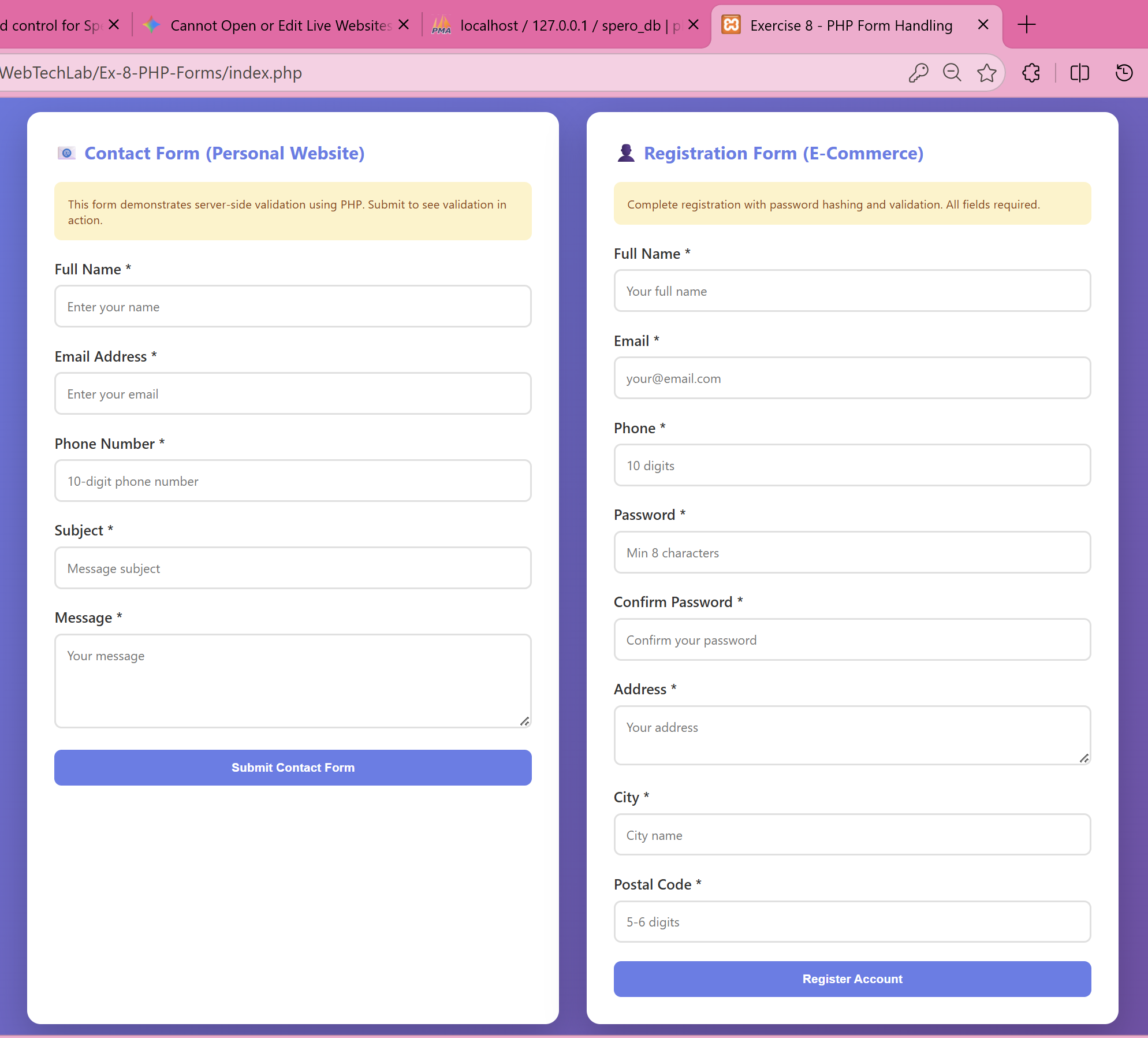
Two forms were designed and rendered using PHP-served HTML. The Contact Form (Personal Website) captures Full Name, Email Address, 10-digit Phone Number, Subject, and Message. The E-Commerce Registration Form collects Full Name, Email, Phone, Password (with confirmation), Address, City, and Postal Code.
Both forms send data asynchronously via the browser's fetch() API to their respective PHP processors (process_contact.php and process_ecommerce_forms.php) using the POST HTTP method — meaning no page reload occurs on submission.
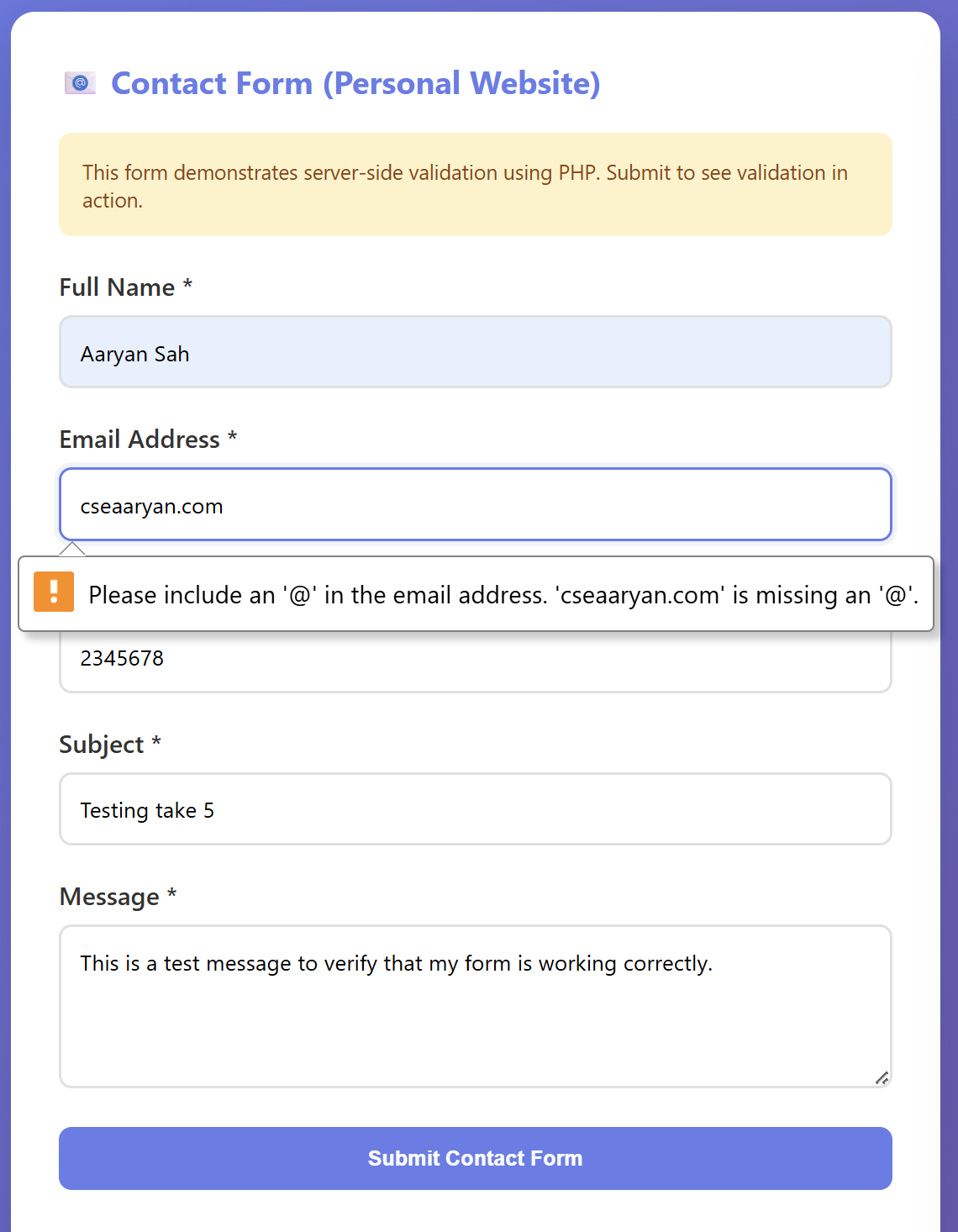
When the form is submitted, the PHP processor runs a multi-stage validation pipeline before processing any data. First, sanitizeInput() trims whitespace, strips slashes, and converts HTML entities via htmlspecialchars() to neutralize XSS attacks.
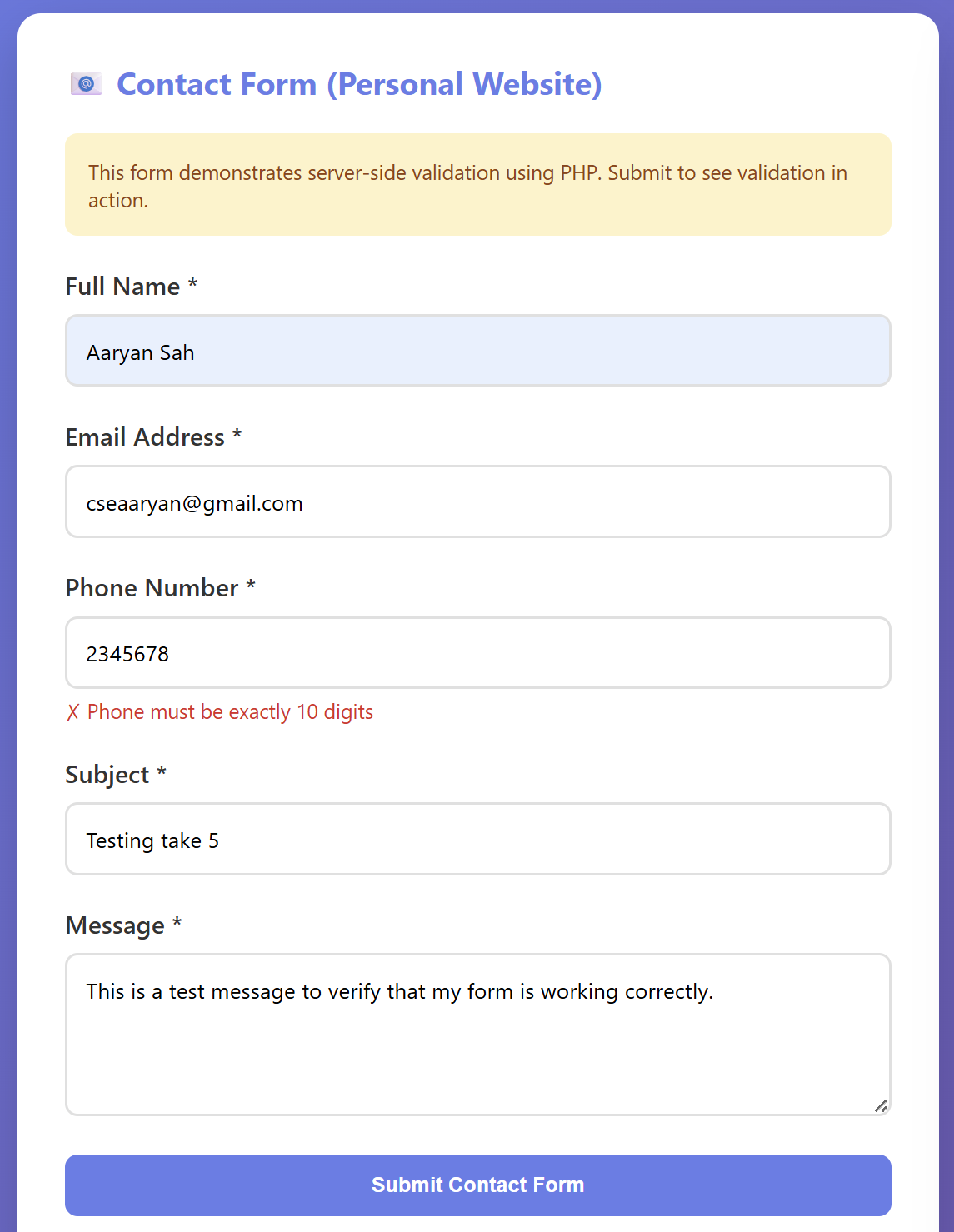
preg_match() catches that "2345678" is only 7 digits. Error returned via JSON and displayed inline: "Phone must be exactly 10 digits".Once all validations pass (name ≥ 3 letters, valid email format, 10-digit phone, message 10–500 characters), the PHP processor enters the processing block. It creates a timestamped log entry and appends it to contact_submissions.log using file_put_contents().
The PHP script then returns a JSON success response: {"success": true, "message": "Your message has been sent successfully!"}.