Exercise 10 · Web Technology Lab · PahiranGo
Sessions, Cookies & Shopping Cart
PHP server-side session management for user authentication, browser-side cookie persistence for user preferences, and $_SESSION array-based shopping cart state management.
Environment Note — Why this is a static result page: PHP Sessions and Cookies require a running PHP server to allocate session storage. This exercise was successfully executed and verified on a Localhost XAMPP environment.
1
User Authentication via PHP Sessions
PHP generates a cryptographically random Session ID which is stored as a cookie on the browser, maintaining the authenticated state across pages.
Confirmed Session ID → cssfldcndsb0pcneito280gurk
Screenshot — Step 1a: Successful login
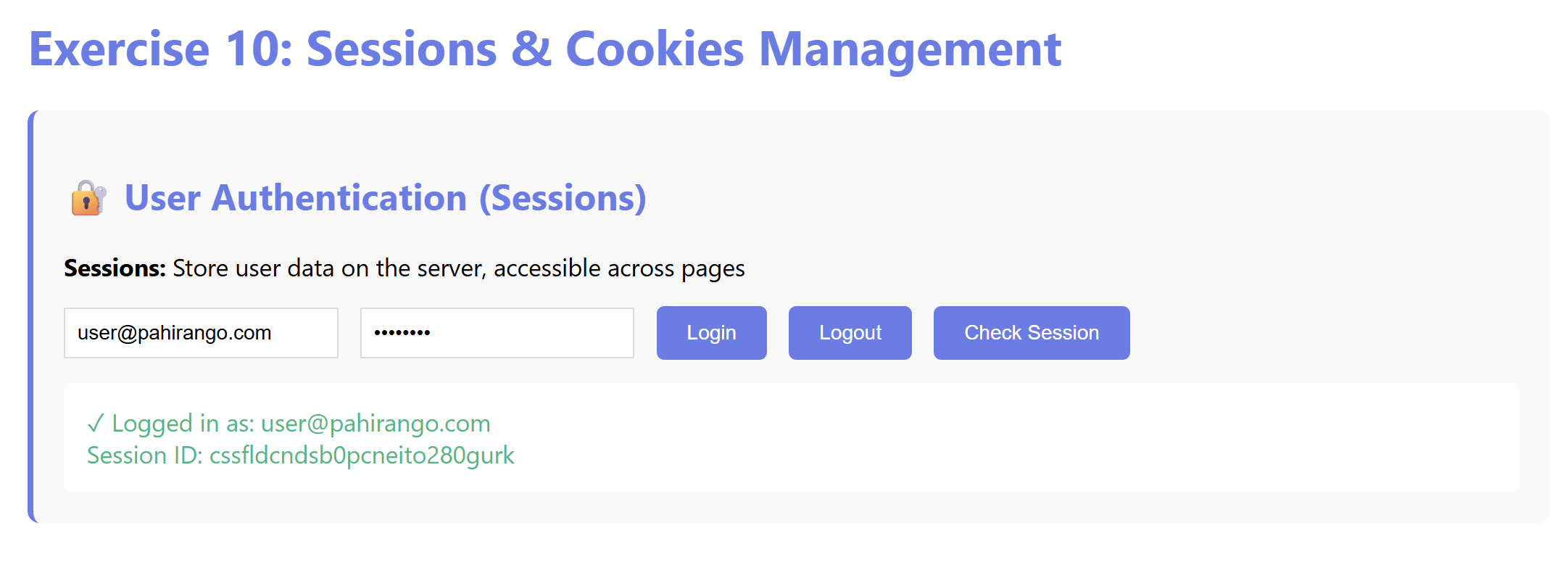
Fig 1.0 — Login confirmed. Server returns Session ID.
Step 1b — Session Destruction on Logout
Screenshot — Step 1b: Logout
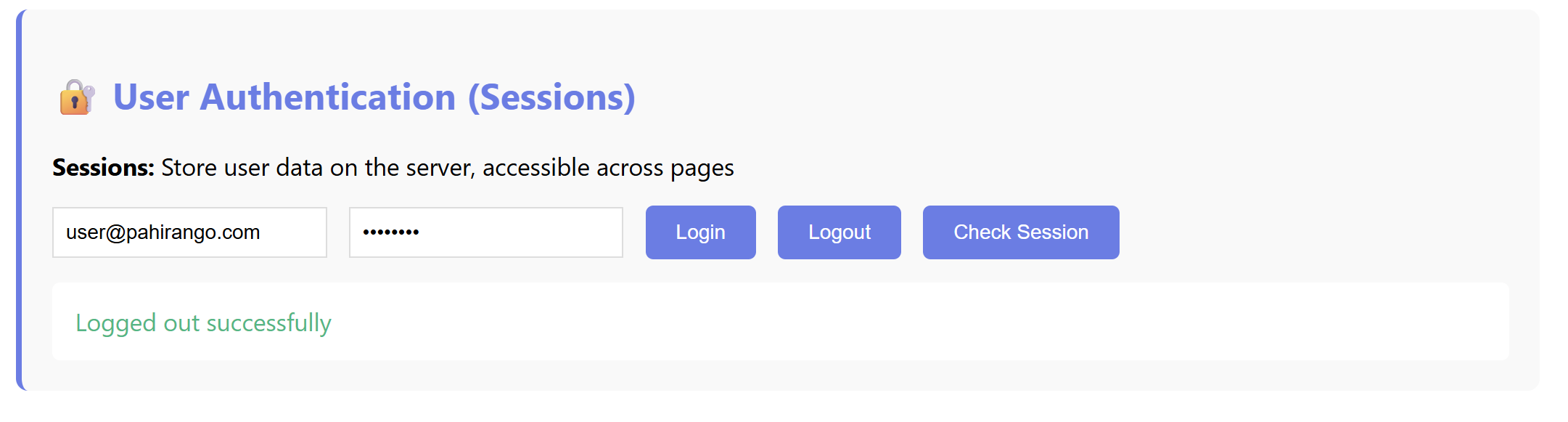
Fig 1.1 — After clicking Logout, PHP runs
session_destroy().2
User Preference Persistence via Cookies
🔒 Session (Server-side)
Expires on browser close / timeout. More secure.
🍪 Cookie (Client-side)
Persists after browser close. Configurable expiry.
Screenshot — Step 2a: Cookie preference form
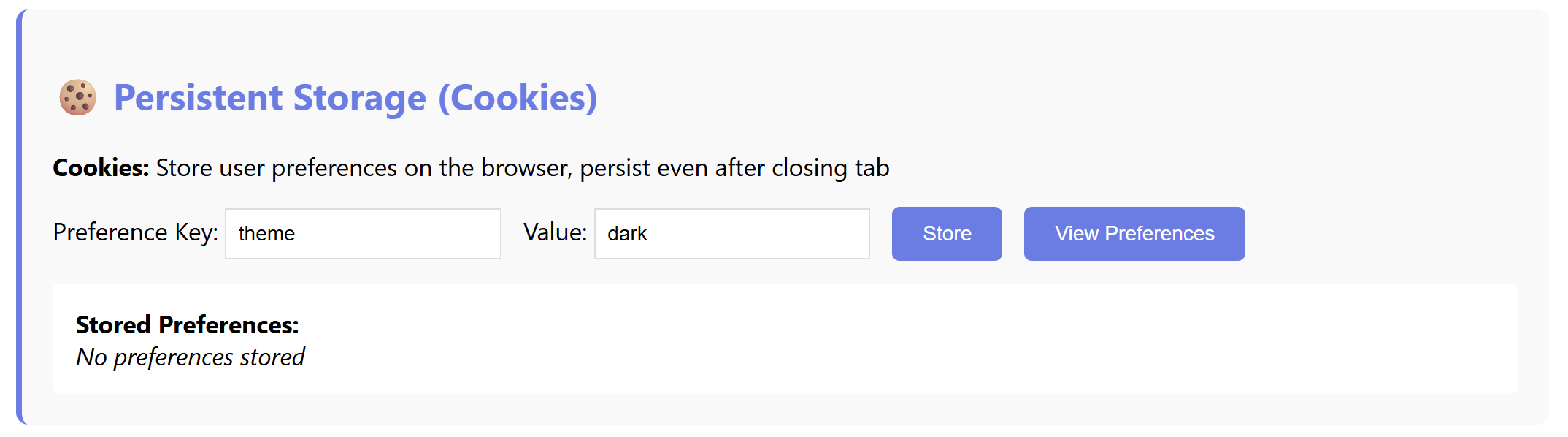
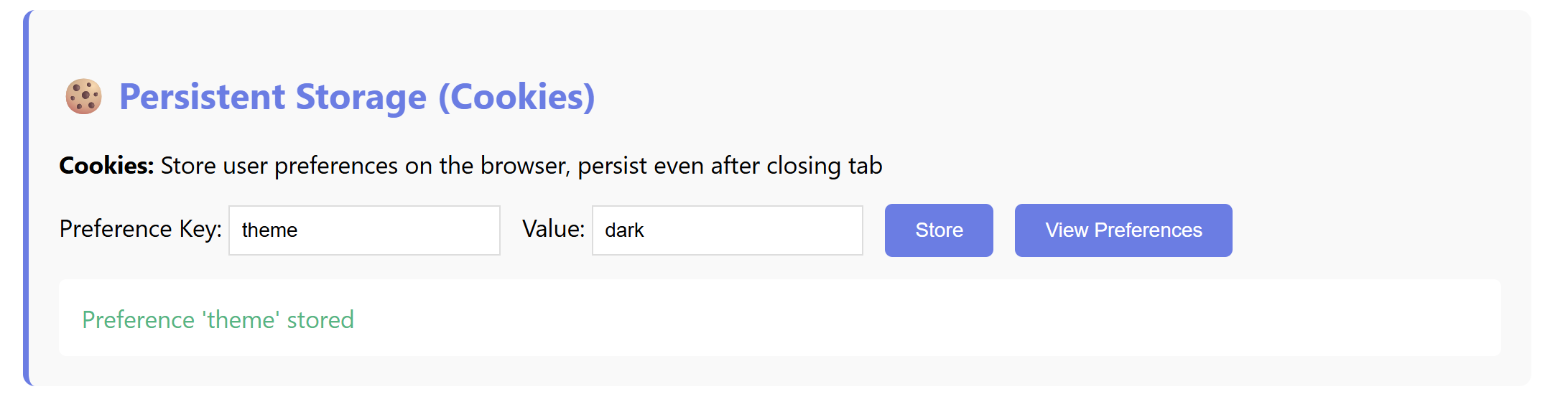
Step 2b — Cookie Successfully Written
Screenshot — Step 2b: PHP confirms cookie stored
3
Shopping Cart State via $_SESSION Arrays
Utilizing the $_SESSION['cart'] array to hold complex cart data temporarily without database queries until checkout.
Screenshot — Step 3a: Product added to cart
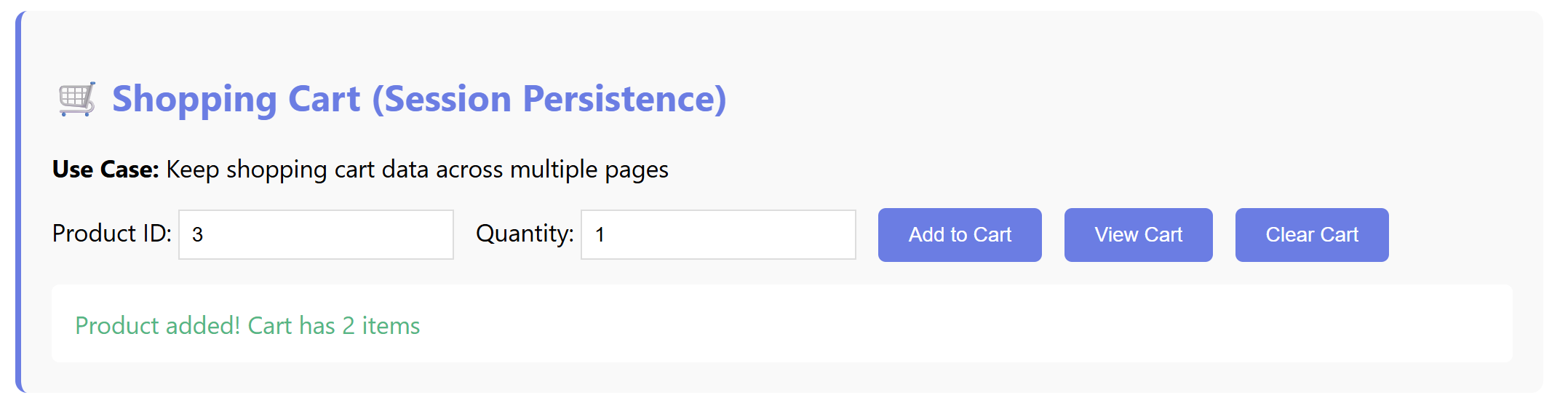
Fig 3.0 — Product added. Cart has 2 items confirmed without database interaction.
Step 3b — Viewing Cart Contents
Screenshot — Step 3b: Cart contents viewed
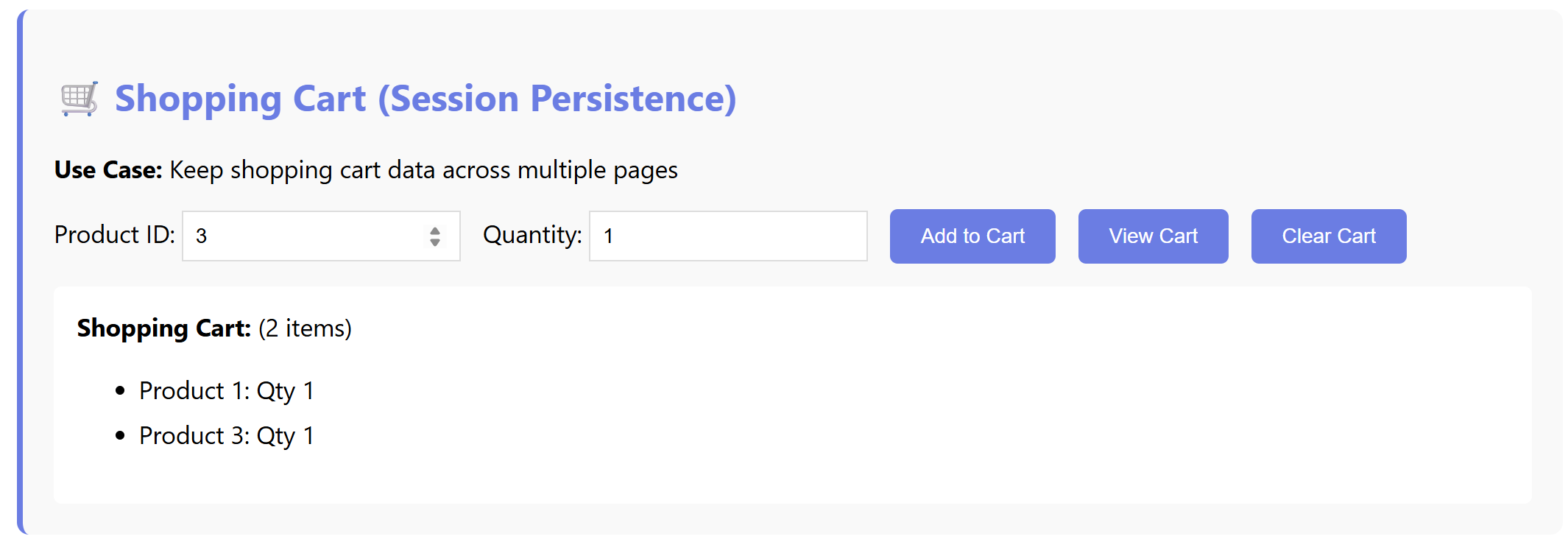
Fig 3.1 — "View Cart" reads the full
$_SESSION['cart'] array.Step 3c — Cart Cleared via Session Reset
Screenshot — Step 3c: Cart cleared
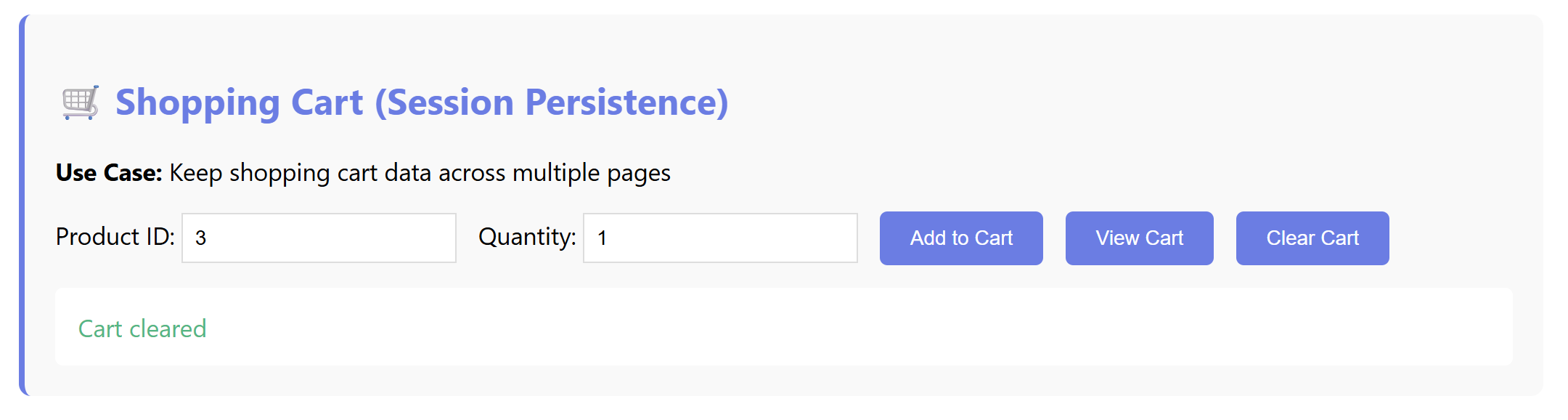
Fig 3.2 — Cart cleared.
$_SESSION['cart'] = [] array reset.Exercise 10 verified successfully. Sessions, Cookies, and Cart arrays working.